Stock Market Data in Claude: SentiSense Is Now in the Connector Directory
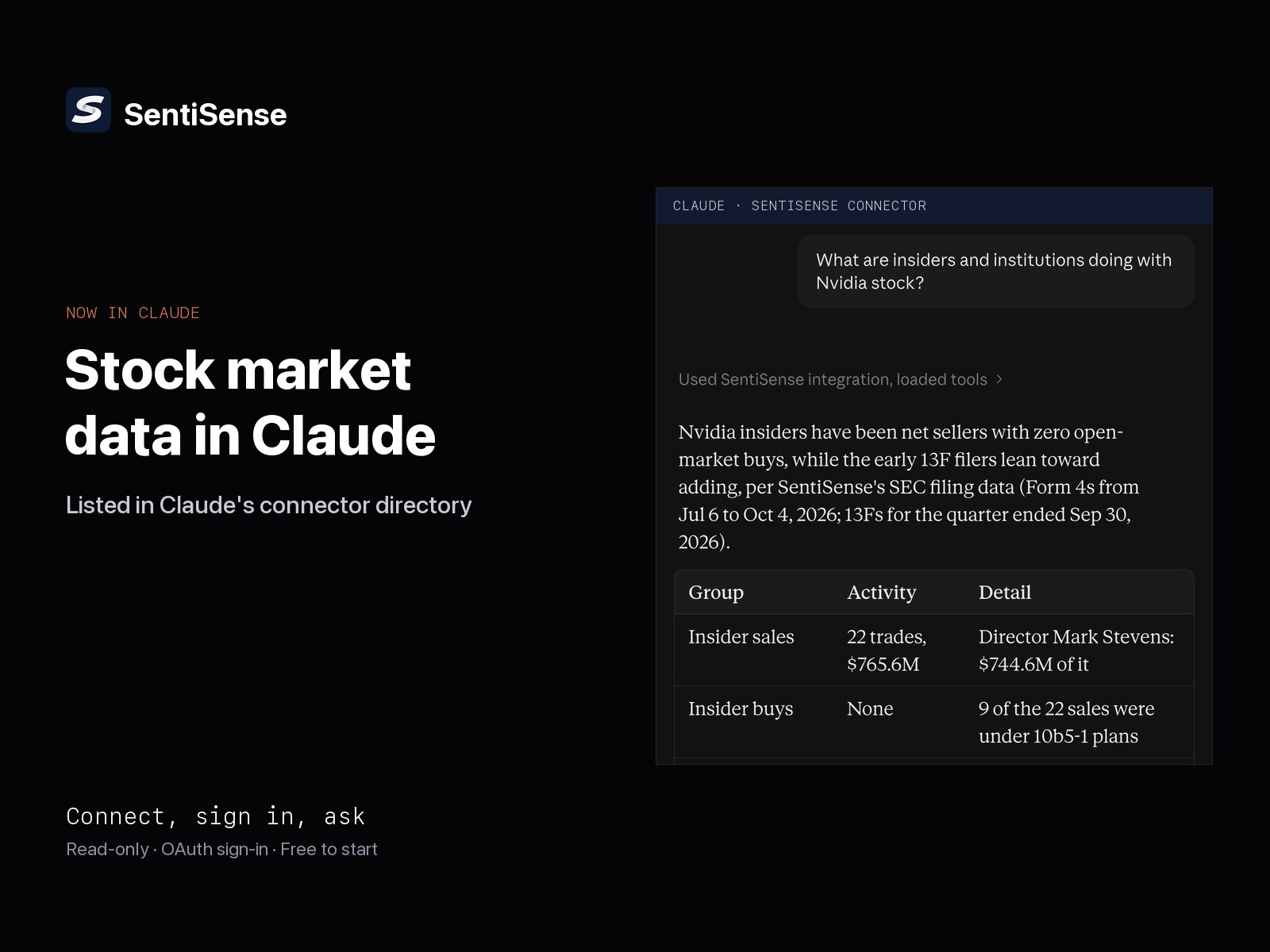
SentiSense is listed in Claude's connector directory. Connect it with a free SentiSense account and Claude answers with stock sentiment, the SentiSense Rating, news, analyst ratings, 13F flows, options positioning, earnings and reported financials, with no API key to paste.

SentiSense is now listed in Claude's connector directory. Connect it once with a free SentiSense account and Claude can answer questions about stock sentiment, the SentiSense Rating, tracked news, analyst ratings, 13F flows, options positioning, the earnings calendar and reported financials through eleven read-only tools, with no API key to paste and no URL to copy.
The listing is the same hosted MCP connector that already serves Claude, ChatGPT, Codex and Grok. What changes is the install: in Claude on the web, in the desktop app and on mobile, it is now a search and a sign-in.
How do I connect SentiSense to Claude?
Under a minute, three ways:
- From the directory. Open SentiSense in Claude's connector directory, connect, and sign in with your SentiSense account. The connection is remembered.
- From inside Claude. Open Customize, then Connectors, then Discover, and search for SentiSense. Connect and sign in the same way.
- In Claude Code, from your project directory:
claude mcp add sentisense -- npx -y mcp-remote@0.1.38 https://app.sentisense.ai/mcp
Start claude, approve the server when prompted, and sign in with your SentiSense account in the browser tab that opens. The same URL works with the Claude API, and with any organization that restricts the directory and adds connectors by URL instead.
Sign-in is OAuth: you approve read-only access at your account's tier and nothing else. The connector cannot trade, place orders or change anything in your account.
What can Claude answer once it is connected?
You ask in plain English and Claude picks the tool. Four prompts to paste:
- "What is the market mood today, and which signals are driving it?" reads Market Mood, the SentiSense fear and greed composite for the US market, with its phase and component signals.
- "Give me a snapshot of NVDA: price, SentiSense Score, sentiment and its Rating." combines the stock snapshot with the SentiSense Rating, the daily A to F letter and the seven dimensions behind it.
- "Who is buying and selling AAPL, and what do analysts think?" reads 13F flows and analyst consensus with price targets, then adds the recent rating changes.
- "Is TSLA options positioning stretched, and when does it report?" reads the options tool, with implied sentiment, IV rank, put/call percentile and max pain ranked against the ticker's own history, and the earnings calendar.
The remaining tools cover tracked news and posts with derived sentiment and a link to the original, reported income statement, balance sheet and cash flow by quarter or year, a screener over the tracked stock and ETF universe, and an entity brief of the executives, products and peers behind a ticker from the SentiSense knowledge graph. The connector guide lists every tool and what it returns.
Prices are 15-minute delayed and options analytics are end of day. The connector covers the most-watched US stocks, not every ticker, and the answers are informational, not investment advice.
Once it is connected, the next step is a dashboard: how to build a portfolio dashboard in Claude shows one Claude built for two holdings from one sentence, refreshed through your own account each time it opens.
During earnings season, how to use Claude for earnings season walks through the five questions the connector answers, with its own output from October 16, 2026.
What is free and what is PRO?
A free SentiSense account includes 1,000 tool calls a month, shared with the REST API quota, at up to 30 calls a minute. Market Mood, news and the reported financial statements return full results on every tier; stock snapshots, 13F flows, options, the earnings calendar and the screener return preview depth. PRO removes the monthly cap, raises the limit to 300 calls a minute and unlocks the deeper fields: options skew, open-interest walls and unusual contracts, the full ranked earnings board, 50 screener rows, and the curated company KPIs on financials. An upgrade applies through the same connection with no reconnecting.
Where does this fit with the API?
The connector is the fastest way into the SentiSense data graph, not the deepest. It is a curated read-only slice for conversation. Builders shipping a product, an agent or a dashboard use the REST API with the Python and Node SDKs, or install the published skills into Claude Code, Codex or Cursor. The three routes read the same data, so a question answered in Claude today can become a scheduled job tomorrow without changing sources.
Connect SentiSense in Claude → The connector page also carries the steps for ChatGPT, Codex and Grok.